Shop for what you need. Nothing more.
My Tomte writes your shopping list from the week’s plan, crosses off what’s already in the cupboard and rounds everything to what’s actually on the shelf. No more buying a third jar of cumin.
My Tomte writes your shopping list from the week’s plan, crosses off what’s already in the cupboard and rounds everything to what’s actually on the shelf. No more buying a third jar of cumin.
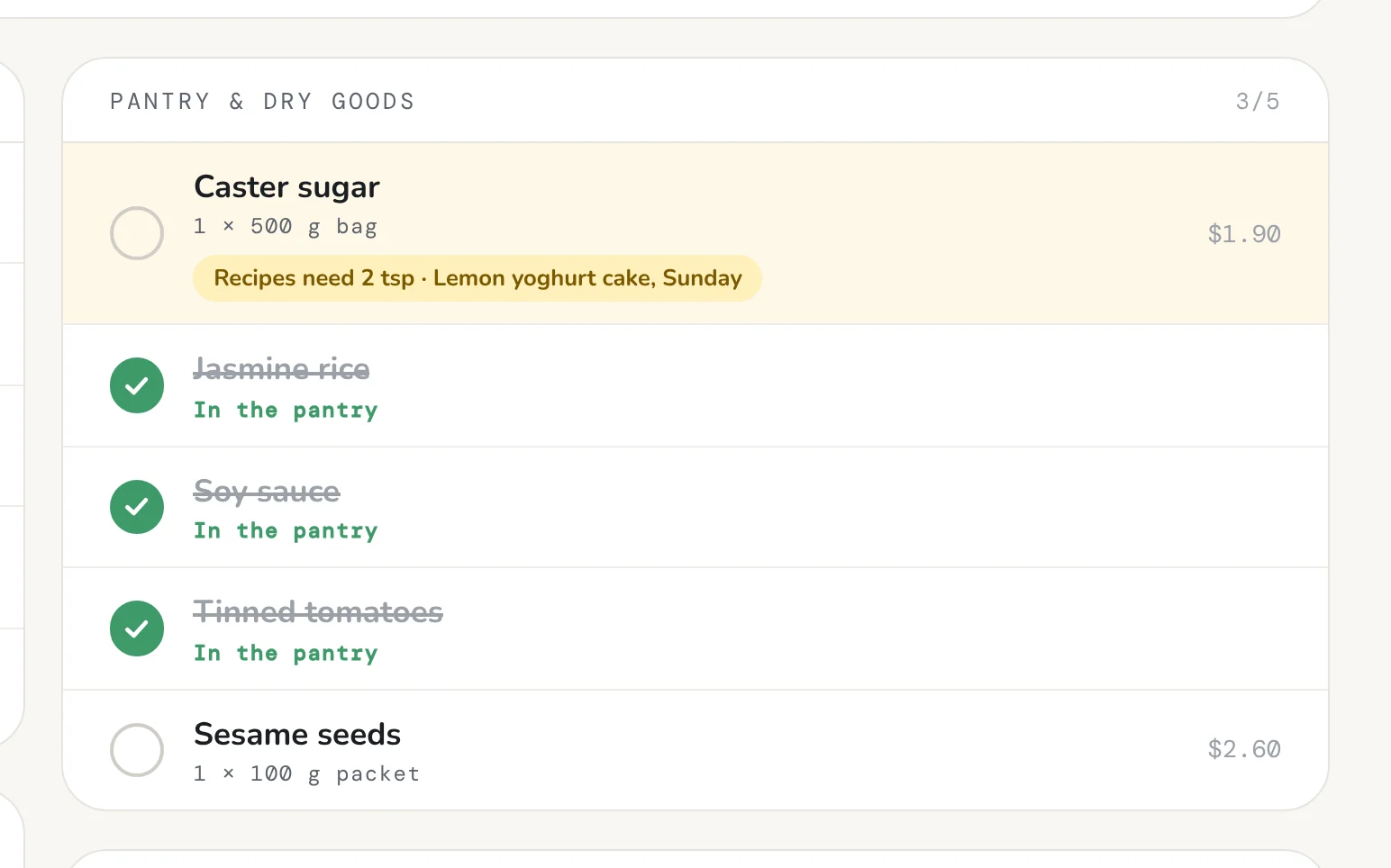
Your shopping list is this week’s meals, minus everything you already have, plus the household bits you always buy (the loo paper won’t buy itself). Change the plan and the list follows; if it ever falls behind, it tells you.
Recipes ask for a teaspoon of sugar. Shops sell 500 g bags. My Tomte does the maths, so your list says what to actually put in the trolley.

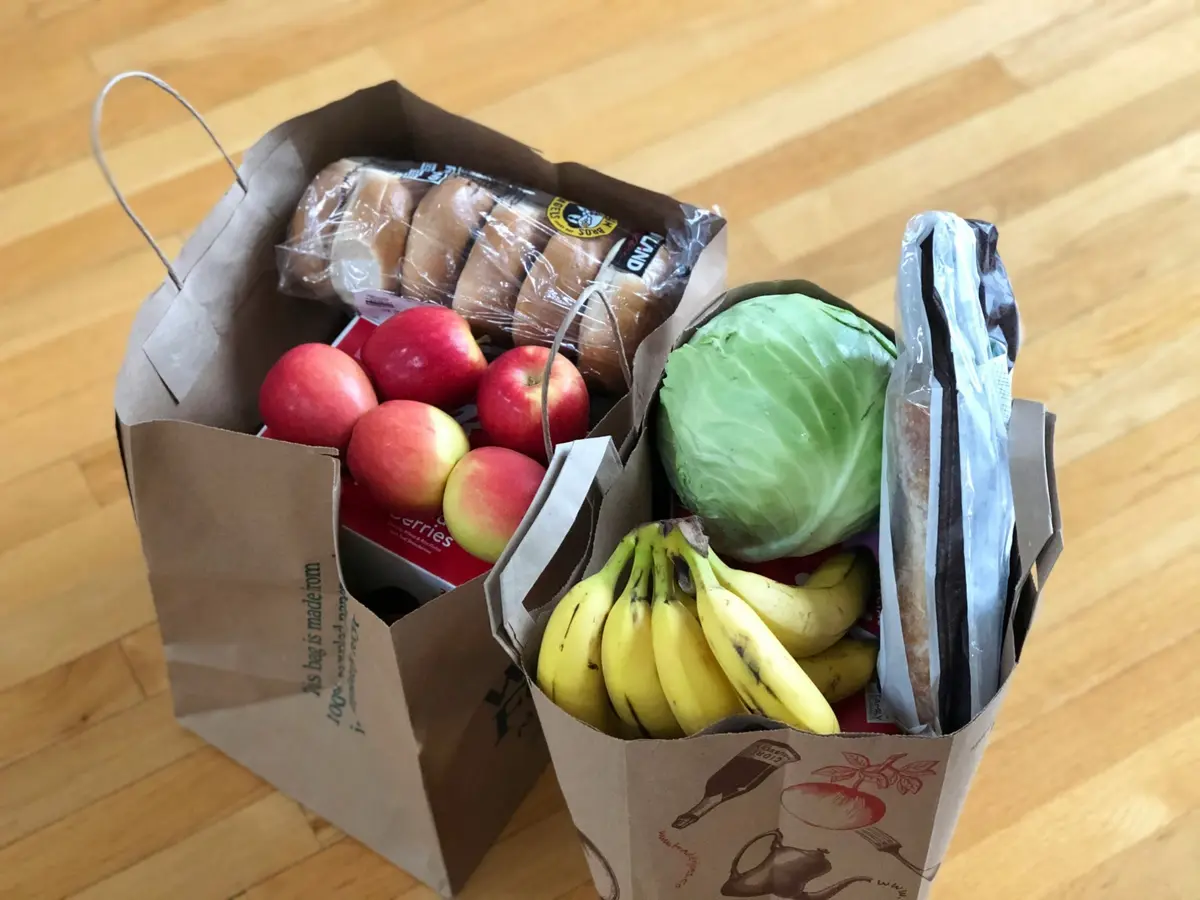
One photo and the shopping unpacks itself into your kitchen. (The real unpacking is still your job.)

See what you’ve got and where it is, without opening every door in the kitchen.

Cook a meal and My Tomte takes the ingredients off your shelves, with the leftovers sorted. Tidy.
What can I make? What can I just eat? What needs using up? One page, all three answers. Make Now shows what you can cook from what’s in the house, with the use-it-up food first. Eat Now is for the kid with their head in the fridge: leftovers, snacks and fruit, minus anything they can’t have.
The shopping list, pack sizes, the full kitchen, receipt reading (using Smart Actions), cooking from what you’ve got, the Now page and use-it-up suggestions are on every plan.
They’re based on what you can actually buy, so your list says “1 × 500 g bag”, not “2 tsp”.
The list updates to match. And if it’s ever out of date, My Tomte tells you before you head to the shops.
They’re saved with your kitchen, ready for household budgeting, which is on the roadmap .
Snap the receipt and it’s added to the kitchen anyway.
Open the Now page. First come the meals you’ve got everything for, then the ones missing just one or two things, with your swaps counted. Pick one and it goes into tonight’s plan.
The other half of the Now page, for when nobody wants to cook. Leftovers, ready meals, snacks and fruit, with anything someone can’t eat left off. Eat something and it comes out of the kitchen, and into the food diary.
The ingredients come off your shelves. One serve per person eating is dished up, the same again goes to the fridge for tomorrow, and any extra is frozen for later.
It uses one Smart Action from your monthly allowance.